Multimodal chatbots: what photos, files and rich replies can do today
Multimodal chatbots understand more than typed text. Here is what works in customer chat today, from photos and PDFs to search by photo, product cards and tables, where voice and video stand, and how to decide what your website needs.
- Author
- intoCHAT Team
- Published
- Last updated
- Reading time
- 5 min read

On this page
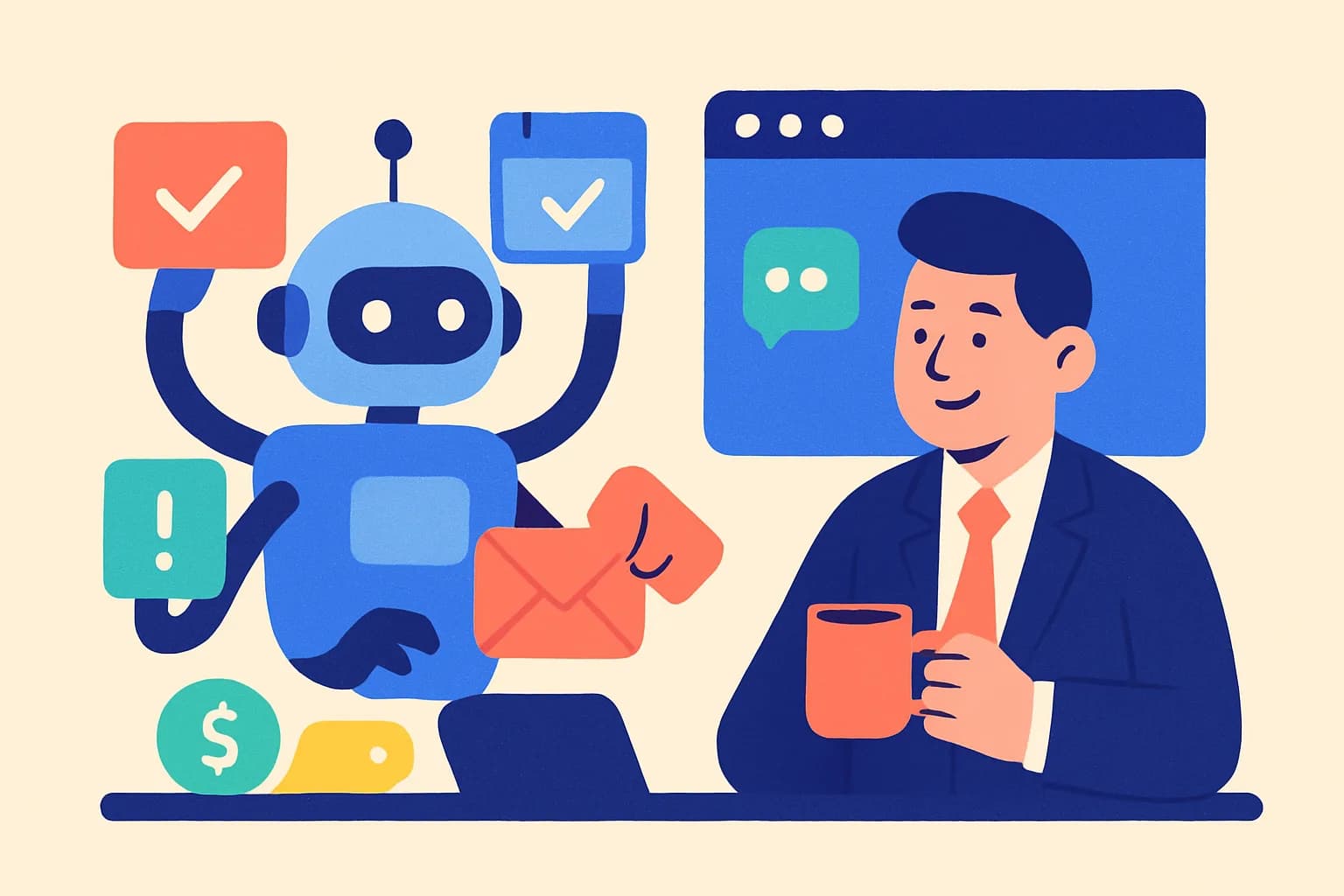
For years, a chatbot meant a text box. Today's AI models also read photos, screenshots and documents, and chat widgets can answer with product cards, tables and buttons instead of a wall of text. That changes what a website chatbot can do. This article explains what "multimodal" means in practice, what already works well in customer chat, where voice and video stand, and how to decide what your site needs.
What makes a chatbot multimodal?
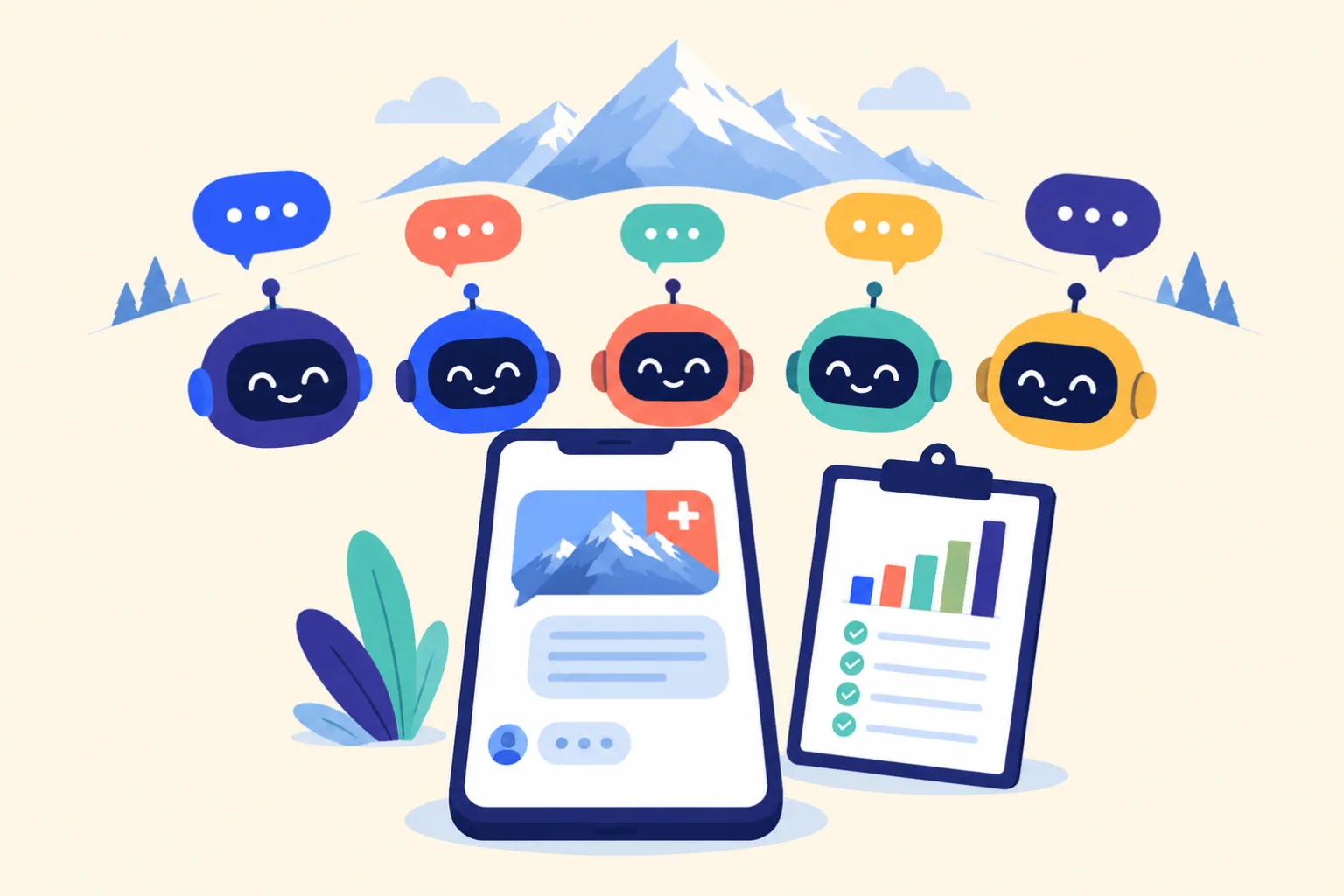
A multimodal chatbot handles more than typed text, in two directions:
- Input: images (product photos, screenshots, pictures of damage), documents such as PDFs, and in some systems voice or video.
- Output: besides text, structured elements such as product cards, comparison tables, cards with pictures, quick-reply buttons, forms or a time picker.
The value is in combining them. "Do you have this in blue?" with a photo is a clearer request than either part alone.
What works well today
Reading photos and screenshots
Current models describe what is in a photo reliably: the kind of product, its colour, material, style, a brand name printed on it, or the text in an error message on a screenshot. In customer chat this saves the back-and-forth of "can you describe it?". A customer sends a photo of a scratched table top and asks about a return; a user sends a screenshot of an error and asks what to do.
Reading documents
A PDF invoice, an order confirmation or a filled-in form can be read together with the question. "Why was I charged twice?" next to the invoice is answered faster than with the invoice number typed out.
Search by photo
The clearest commercial case. Someone saw a lamp in a café or a jacket on a friend, but doesn't know what it's called. They send the photo, the chatbot describes the item, searches the shop's catalog and shows similar products. It turns "I don't know the word for it" into a product page.
Rich replies
Multimodal output matters as much as input. A comparison of three plans reads better as a table, a choice of products as cards with pictures and prices, and an obvious next step as a button. Done well, the chatbot picks the format per answer and keeps text for what is better said in words.
Where voice and video stand
Speech recognition and synthesis are mature in general, and voice agents on phone lines are growing. But voice is a separate project from website chat: it needs speech-to-text and text-to-speech on top of the language model, adds latency and cost, and brings its own design questions, from accents and dialects to what happens when the caller interrupts. Live video understanding in customer service is still early. For most websites, photos and documents bring more value today, at a fraction of the effort.
Challenges to plan for
- Privacy. Photos can show people, addresses or document numbers. They should be stored privately with the conversation, deleted with it, and never added to the bot's knowledge.
- Accuracy. Models can misread a photo. The bot should ask when unsure and never invent products, prices or availability.
- Speed. Reading an image and searching a catalog adds a few seconds to a reply.
- Abuse and cost. Uploads need size and rate limits, and image searches need a daily cap so they can't run up costs.
How intoCHAT handles images, files and rich replies
intoCHAT agents answer in text from your own content, and add images, documents and rich output where they help:
- Visitor attachments. Switch on Let visitors attach files and visitors send images (PNG, JPEG, WebP, GIF) and PDFs with the paperclip, by dragging or by pasting a screenshot, up to 3 files of 4 MB per message. The agent reads them with the message. Every model reads images; PDFs are read by OpenAI's models. A message with files counts the same as one without.
- Search by photo (from Starter). With a store connected, the agent describes the photo, searches your catalog and shows up to 6 matching products as cards, best match first. It is told to ignore people in the photo and to leave photos of damaged deliveries or order questions alone. Starter includes 50 photo searches per agent per day, Pro 200.
- Product cards from your live catalog, with image, price, stock status and link.
- Rich replies on every plan: tables of up to 8 columns, cards with pictures and prices, and quick-reply buttons, without an extra message.
- Interactive steps in the chat: a cart and checkout, chat forms and a booking time picker for Cal.com or Calendly.
Files are sent to the provider of the model you choose to write the reply, stored privately with the conversation, and deleted with it. intoCHAT doesn't offer voice input or a phone channel, and the email agent answers from the text of an email, not its attachments.
Should your website go multimodal?
- Start with text. Train an agent on your website and documents; it covers most questions about prices, policies, products and how-tos.
- Read your transcripts. Count how often visitors try to describe something a photo would show: damage, an error, a product they saw elsewhere.
- Turn on attachments if that happens often, and tell the agent in its instructions what to do with photos.
- Add search by photo if you run a shop with products people find by look rather than by name, such as fashion, furniture or decor.
- Use rich replies for comparisons and next steps. They are on by default.
Create your agent free, turn on attachments and send it a photo in the Playground, or compare plans.
Frequently asked questions
What is a multimodal chatbot?
A multimodal chatbot understands more than one type of input, such as text, images, documents, voice or video, and can answer with more than plain text, for example product cards, tables or buttons. It combines these inputs to understand a request better, such as a photo of a product together with a written question.
What can a multimodal chatbot do in e-commerce and customer support?
In e-commerce, the most useful case today is search by photo: a shopper sends a picture and the chatbot shows similar products from the store. In support, customers send a photo of a damaged delivery, a screenshot of an error message or a PDF invoice, and the chatbot reads it together with their question instead of asking them to describe it.
Is intoCHAT a multimodal chatbot?
For images and documents, yes. With visitor attachments on, visitors send images and PDFs and the agent reads them with their message. With a store connected, search by photo (from Starter) shows matching products as cards. Replies can include product cards, tables, cards with pictures and quick-reply buttons, a cart, forms and booking times. intoCHAT doesn't offer voice input or a phone channel.
Which AI models can read images and PDFs in intoCHAT?
Every model in intoCHAT reads images: GPT-6 Luna, Claude and Gemini. PDFs are read by OpenAI's models only; with a Claude or Gemini model, the agent is told a PDF was attached and answers from what the visitor wrote. A message with files counts the same as one without.
What are the challenges of multimodal chatbots?
Images can contain personal data, so the provider should store them privately and not add them to the bot's knowledge. Image understanding adds a few seconds to a reply, and models can misread a photo, so the bot should ask when unsure and never invent products. Voice adds speech recognition, latency and cost, and is a separate project from text chat.
Does my website need a multimodal chatbot today?
Start with a text agent trained on your own content, because it covers most questions. Then turn on attachments if visitors often describe things a photo would show faster, such as damage, errors or products they want to find. Review your chat logs before investing in voice.