Why your website needs AI chat support, and how to set it up well
What AI chat support does for a website in practice: instant answers from your own content, help finding the right product, leads when follow-up is needed and a clear path to a person. Plus a checklist and costs.
- Author
- intoCHAT Team
- Published
- Last updated
- Reading time
- 7 min read
On this page
A visitor who can't find an answer on your website rarely writes to you. More often, they leave. A shipping cost they couldn't find, a question about whether your product works with their setup, a policy buried on page four of your terms: each one is a reason to go back to the search results.
AI chat support closes that gap. This guide explains what it does in practice, where it helps most, what a good setup looks like, and what it costs.
What AI chat support does on a website
Modern AI chat is not the scripted bot with five buttons from a few years ago. An AI agent trained on your content can:
- Answer from your own content, at any hour. It reads your pages, documents and FAQs, and replies in the language the visitor writes in. Q&A pairs you write take priority, and it says when it doesn't know instead of inventing an answer.
- Show where the answer comes from. Links to the source pages under a reply let visitors check details and keep browsing.
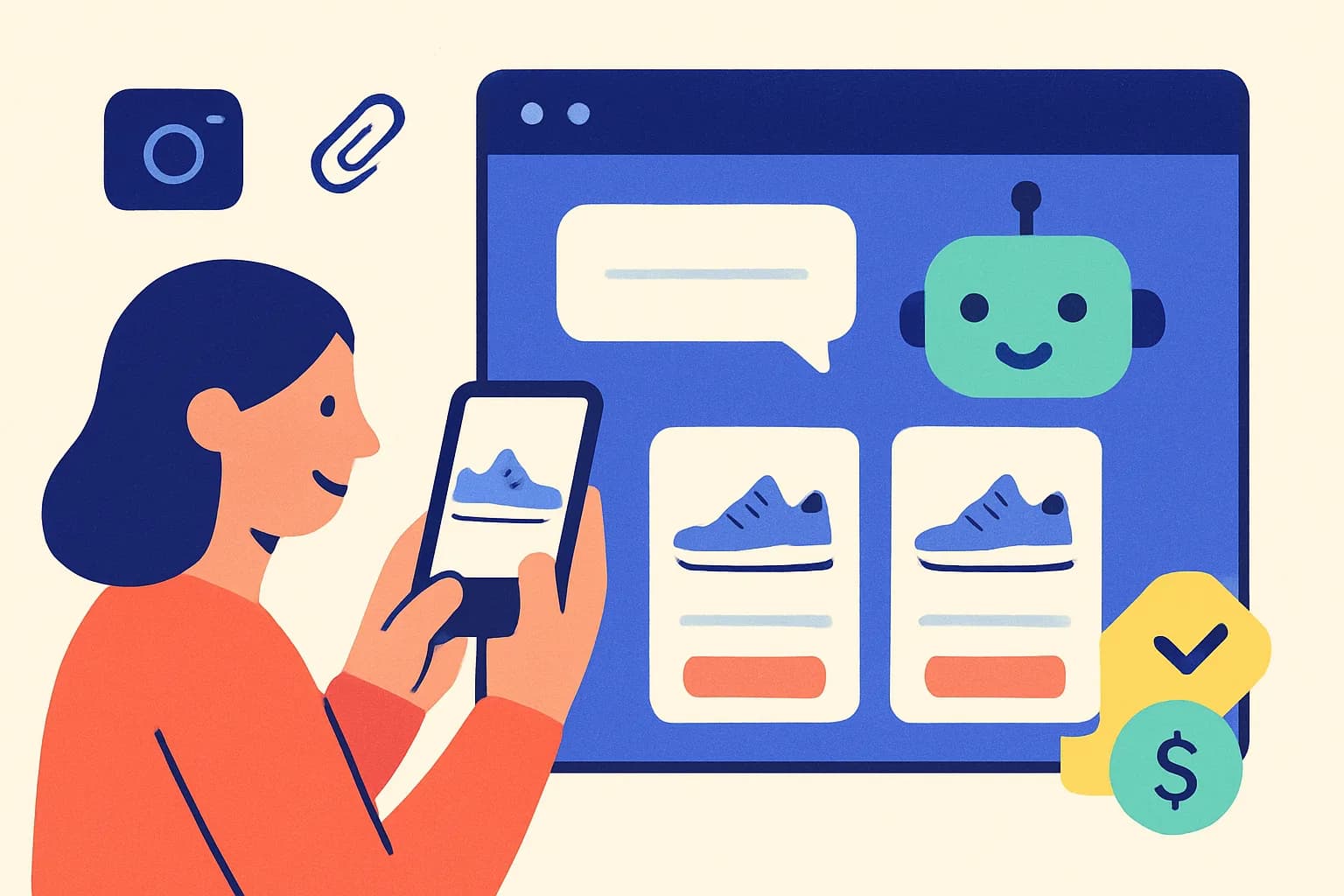
- Help visitors find the right product. In a shop, it searches your live catalog and shows product cards with image, price and link.
- Collect leads when follow-up is needed. A lead form in the chat asks for contact details at the right moment, and your team gets an alert.
- Hand over to a person. When someone asks for a human, a teammate can take over the same chat, or the conversation goes to your team by email.
- Do simple tasks. With the right connections it can show an order's status, book a meeting or take a return request.
Is it right for your website?
AI chat support pays off fastest when one or more of these is true:
- Your inbox gets the same questions every week: delivery times, prices, opening hours, how to reset a password.
- Many visitors arrive outside your business hours or from other countries.
- Visitors compare several products or plans before buying.
- A sale often depends on one small question being answered quickly.
If your site gets only a handful of visitors a week, a clear FAQ page may be enough for now. Try a free plan before you decide.
For visitors who arrive after your team has left, use our after-hours AI lead generation playbook. It includes sample conversations, a qualification prompt and a downloadable ten-question test sheet.
What a good setup looks like
The difference between a helpful chat and an annoying one is mostly setup. Use this checklist:
- Train it on the right content. Start with your help pages, pricing, shipping and returns, and product pages. Add Q&A pairs for the ten questions you answer most often.
- Write short instructions. Say what the agent covers, what it should never promise, and when to suggest a person.
- Greet visitors usefully. A welcome message and three suggested questions ("How long does delivery take?") work better than "How can I help?".
- Invite, don't interrupt. Show the welcome message beside the launcher after a few seconds instead of opening the chat on every page.
- Give a way out. Turn on live chat for when your team is online, and a hand-off by email for when it isn't.
- Speak your visitors' languages. The agent replies in the visitor's language, and intoCHAT's widget text comes in English, German, French, Italian and Spanish.
- Read the conversations. Each week, check replies rated not helpful and low-confidence answers, and fix the content behind them.
What it costs
Most tools charge by volume: messages, conversations or credits. With intoCHAT, one visitor message is one message with the default model, and the allowance is shared by all your agents:
| Plan | Price | Agents | Messages per month |
|---|---|---|---|
| Free | $0 | 1 | 25 |
| Starter | $19/month ($199/year) | 3 | 2,500 |
| Pro | $49/month ($499/year) | 10 | 10,000 |
| Enterprise | Custom | Custom | Custom |
Starter starts with a 7-day free trial, and removing "Powered by intoCHAT" is included on any paid plan. See pricing for everything each plan includes.
How intoCHAT helps
intoCHAT is built for exactly this job: an AI chat agent for your website that you can set up in an afternoon.
- Set up from your URL. Paste your address, pick the pages, and the agent trains on them. Add files, Q&A pairs, Google Drive or Notion.
- Fits your brand. Colors, avatar, launcher, welcome messages and suggested questions are all customizable.
- Brings in your team. Live chat takeover, hand-off by email, helpdesk tickets and a shared Inbox are on every plan.
- Captures leads. A lead form in the chat with email or Slack alerts and CSV export.
- Works beyond the bubble. The same agent can answer on a hosted Help Page, in Slack and by email (from Starter).
Add it with one script tag, the WordPress plugin or the Shopify snippet. To see answers from your own pages first, paste your URL into the free preview tool.
Free plan available • 7-day free trial on Starter
Frequently asked questions
Why does my website need AI chat support?
Visitors decide quickly, and the reply to a contact form or email often arrives hours later. An AI chat agent answers common questions immediately, at any time and in the visitor's language, from your own content. That keeps visitors from leaving with an open question and takes repetitive questions off your team.
What is the difference between an AI chatbot and a contact form?
A contact form collects a message for someone to answer later, while an AI chatbot answers right away from your content. A good chatbot still collects contact details when a visitor needs follow-up. In intoCHAT, a lead form inside the chat asks for a name, email address or phone number and custom fields, and you get an email or Slack alert for every new lead.
Will an AI chatbot replace my customer support team?
No. It handles routine questions about opening hours, pricing, shipping or how a feature works, so your team can spend its time on complex cases. When a visitor asks for a person, intoCHAT lets someone from your team take over the chat live in the widget, or emails the conversation to your team and can open a ticket in Zendesk, Freshdesk, HubSpot, Gorgias or Help Scout.
How do I add AI chat support to my website?
With intoCHAT you create an agent from your website address, add files or Q&A pairs, and test it in the Playground. Then you paste one script tag into your site to add the chat bubble. There is also an official WordPress plugin, a Shopify theme snippet, guides for Wix, Webflow, Squarespace and other builders, an inline iframe, a direct link and a hosted Help Page.
How much does AI chat support for a website cost?
Prices vary widely between tools and depend mostly on message volume. intoCHAT has a free plan with 1 agent and 25 messages a month. Paid plans are Starter at $19 a month with 2,500 messages and Pro at $49 a month with 10,000 messages; Starter starts with a 7-day free trial, and Enterprise is priced to your volume. AI usage is included; there is no separate AI fee.